














Description
Wireless keyboard and mouse case for iPad Pro 10.5 inch – Shockproof, Waterproof, Business Accessories Switzerland
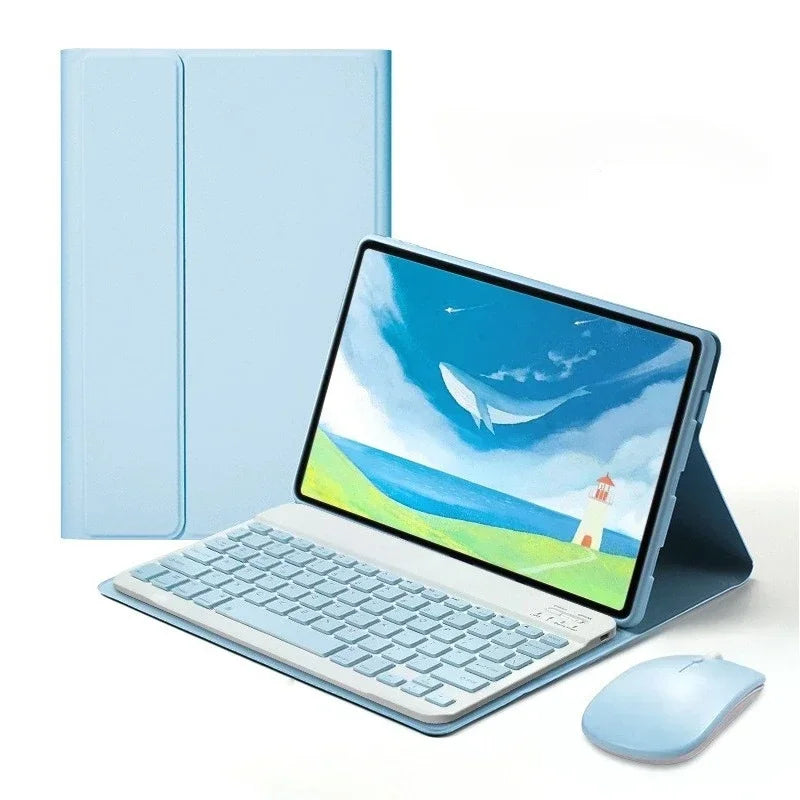
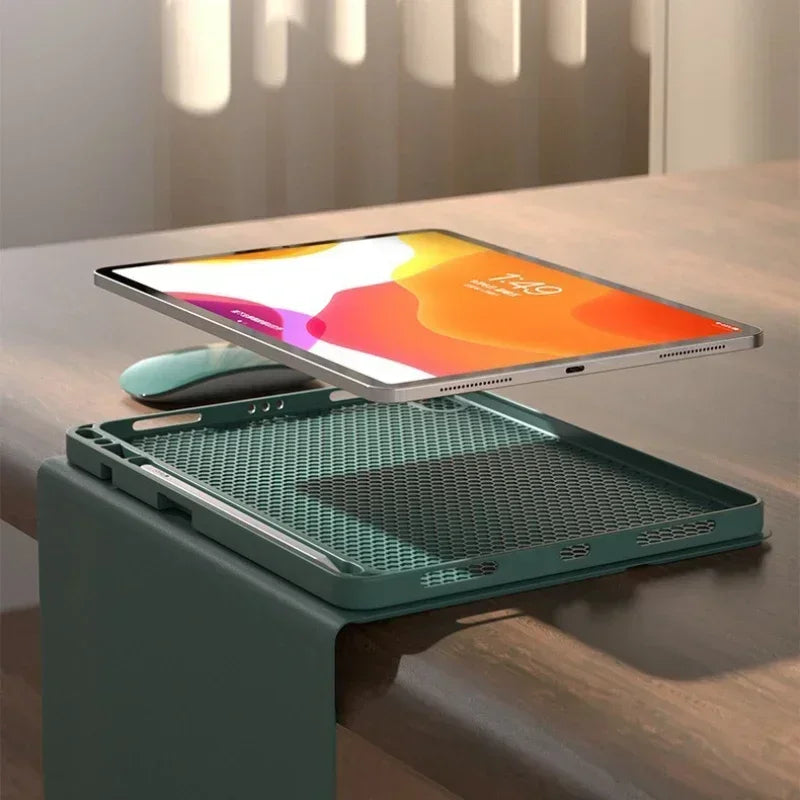
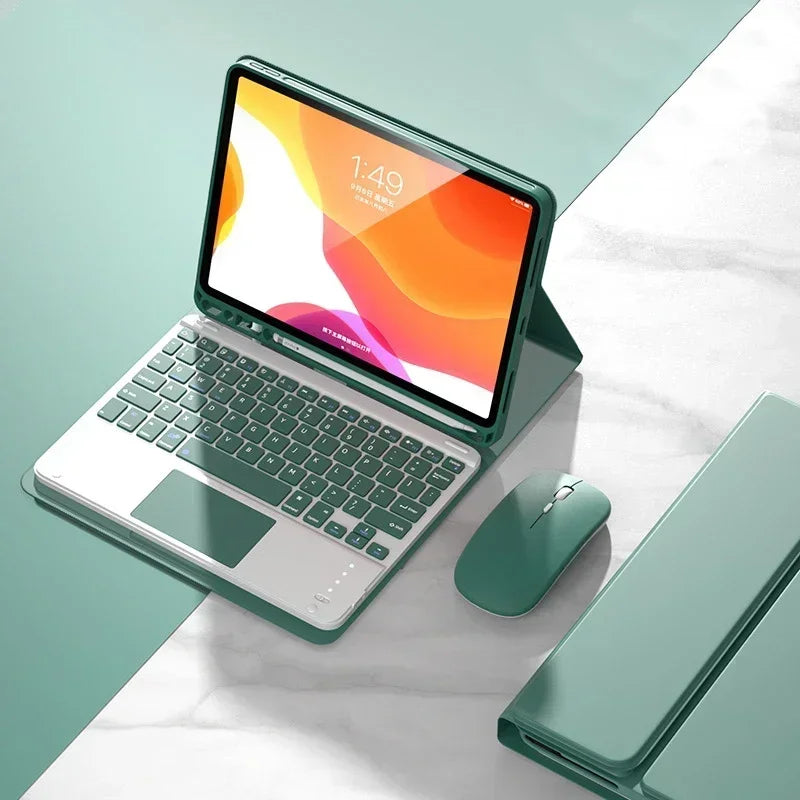
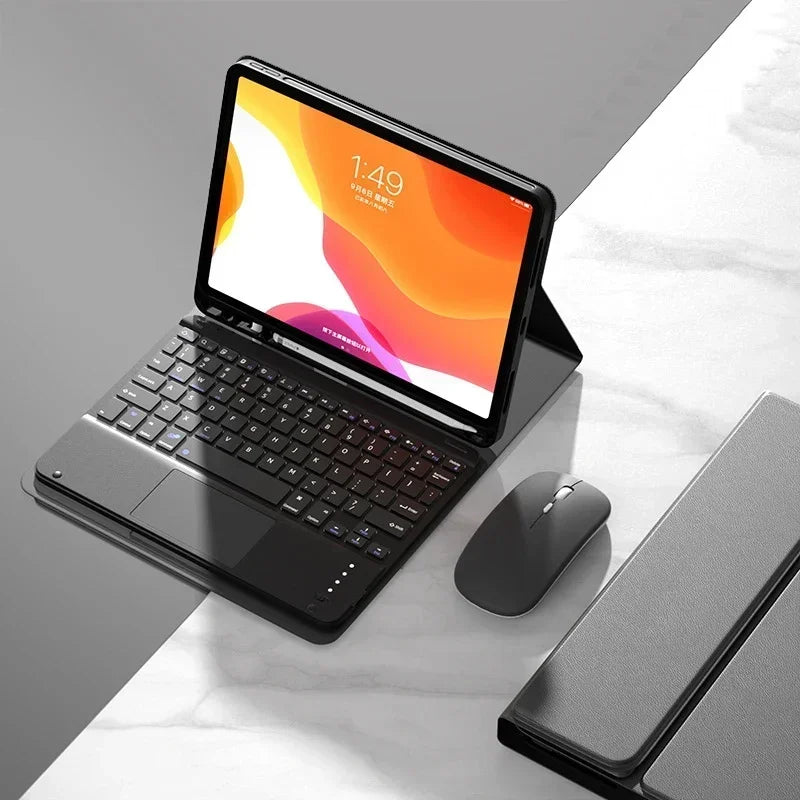
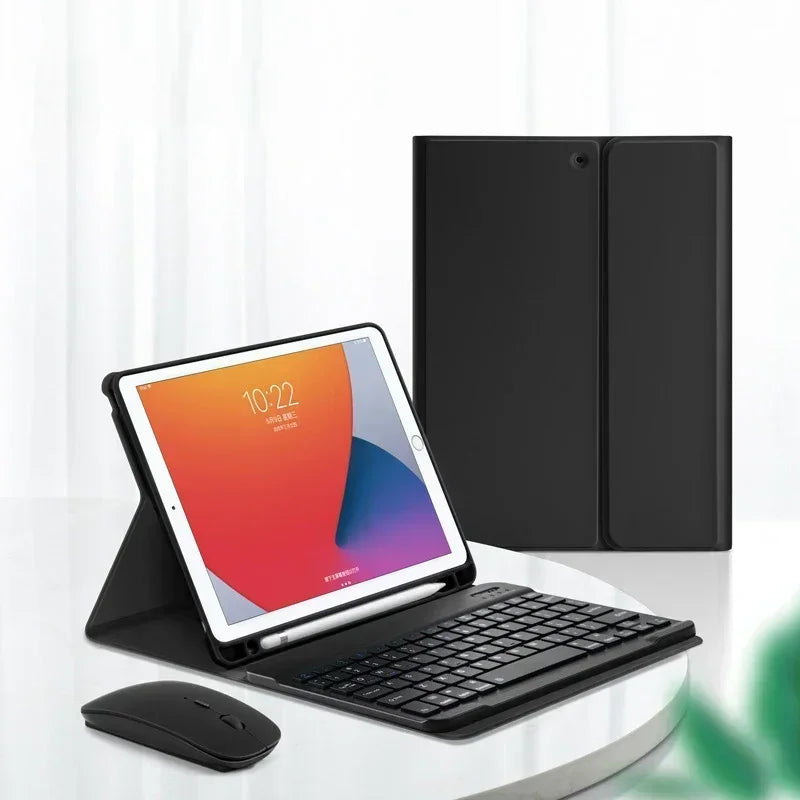
This high-quality keyboard case is specifically designed for the 10.5-inch iPad Pro and combines elegant design with practical features. The case is made of durable PU material that is water-resistant, shockproof, dustproof, and drop-resistant, ensuring your iPad remains optimally protected – ideal for business use or on the go. The slim and robust design gives your iPad a professional look.


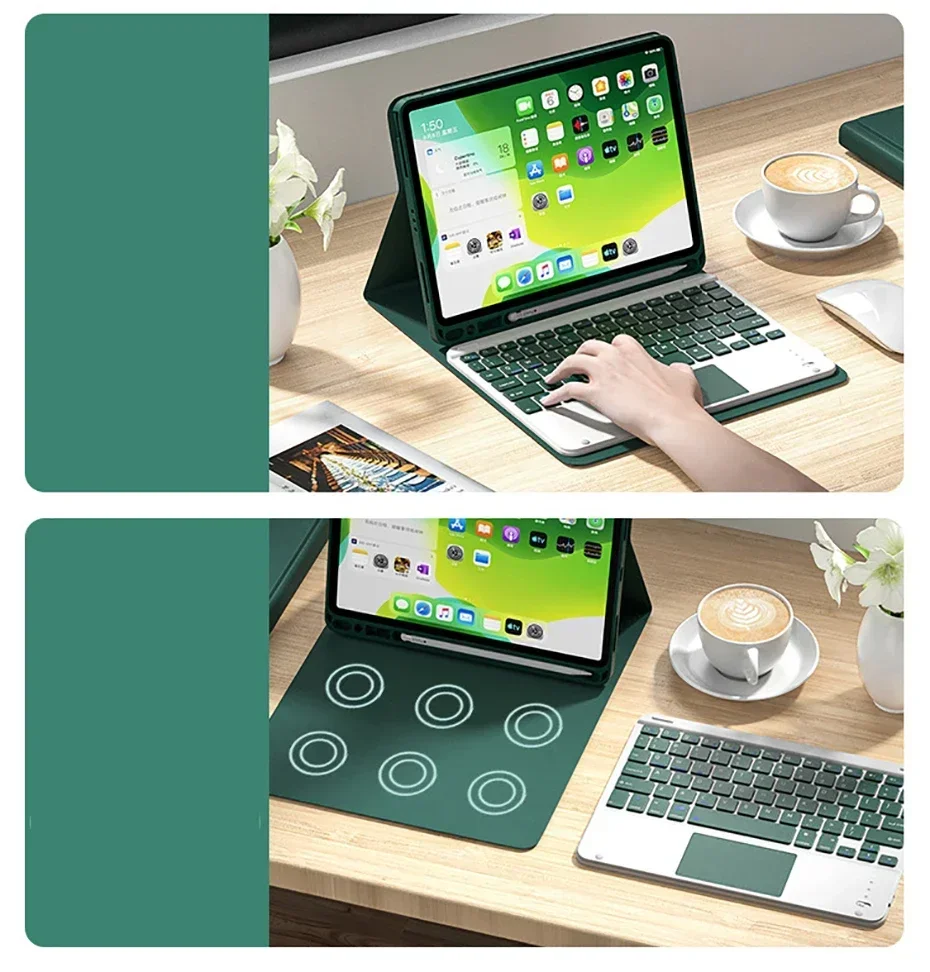




The keyboard features an integrated Bluetooth connection that's easy to use: simply turn on the keyboard and activate Bluetooth by pressing and holding the Fn+C keys. After the initial pairing, the keyboard will automatically connect to your iPad as soon as it's switched on. This ensures a fast and stable wireless connection at all times.
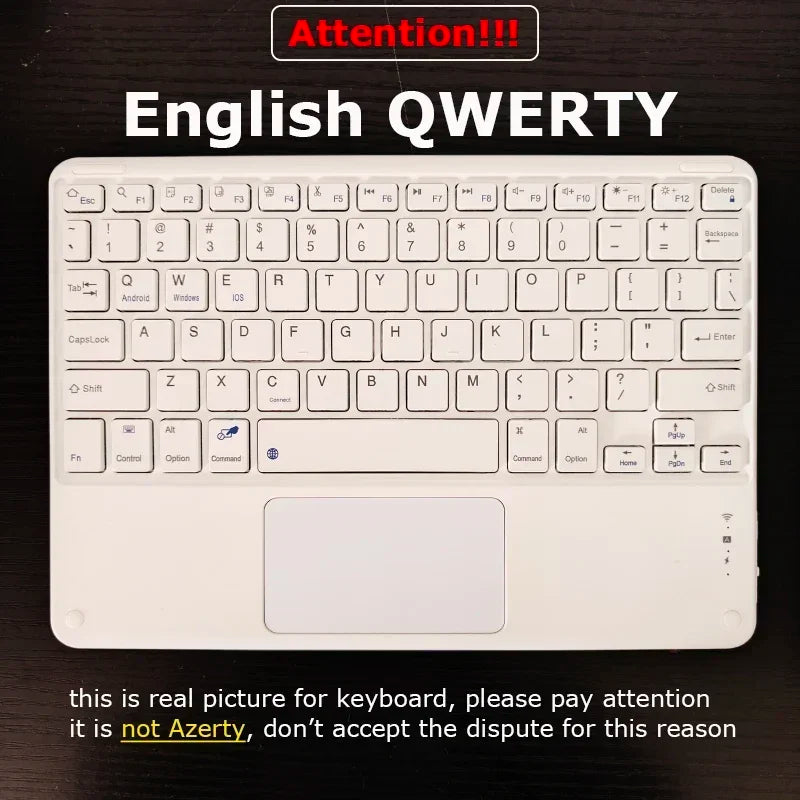
The keyboard supports useful key combinations that significantly simplify working. For example, you can quickly switch to the Apple system with FN+E, toggle between different input methods (e.g., Chinese and English) with FN+Space, and display the physical keyboard with FN+Control. Other functions such as switching software (Command+Tab) and caps lock (Caps Lock) are also integrated. Users of different languages (e.g., Korean, Japanese) can add an additional keyboard in the iPad settings.
The keyboard is packaged without a battery charger, but the battery is already integrated and charged. Its compact size (10.5 cm wide and long) ensures easy transport and comfortable typing.
Specifications
-
Application: Laptop size 10.2 inches
-
Battery: Included
-
Brand: OPUYYM, EOENKK
-
Compatible with: Apple iPad Pro 10.5-inch
-
Features: Waterproof, shockproof, dustproof, drop-resistant
-
Material: PU leather
-
Model number: Case for iPad Pro 10.5
-
Origin: Mainland China
-
Packaging: No packaging included
-
Pattern: Solid color
-
Style: Business
-
Type: With keyboard
-
Dimensions: Length 10.5 cm, Width 10.5 cm
-
Connection: Bluetooth (on/off switch, automatic pairing after initial connection)
-
Supported keyboard shortcuts: FN+E, FN+Space, FN+Control, Command+Tab, Caps Lock
-
Note: For multilingual support, add a keyboard to your iPad (Settings → General → Keyboard → Add Keyboard)
#WirelessKeyboard #iPadProCase #BluetoothKeyboard #TabletAccessories #iPadProtection #Waterproof #Shockproof #BusinessCase #PUCase #iPadPro105 #TabletKeyboard #Switzerland #Zurich #Geneva #Basel #Lausanne #Bern #Winterthur #Lucerne #StGallen #Lugano