



Description
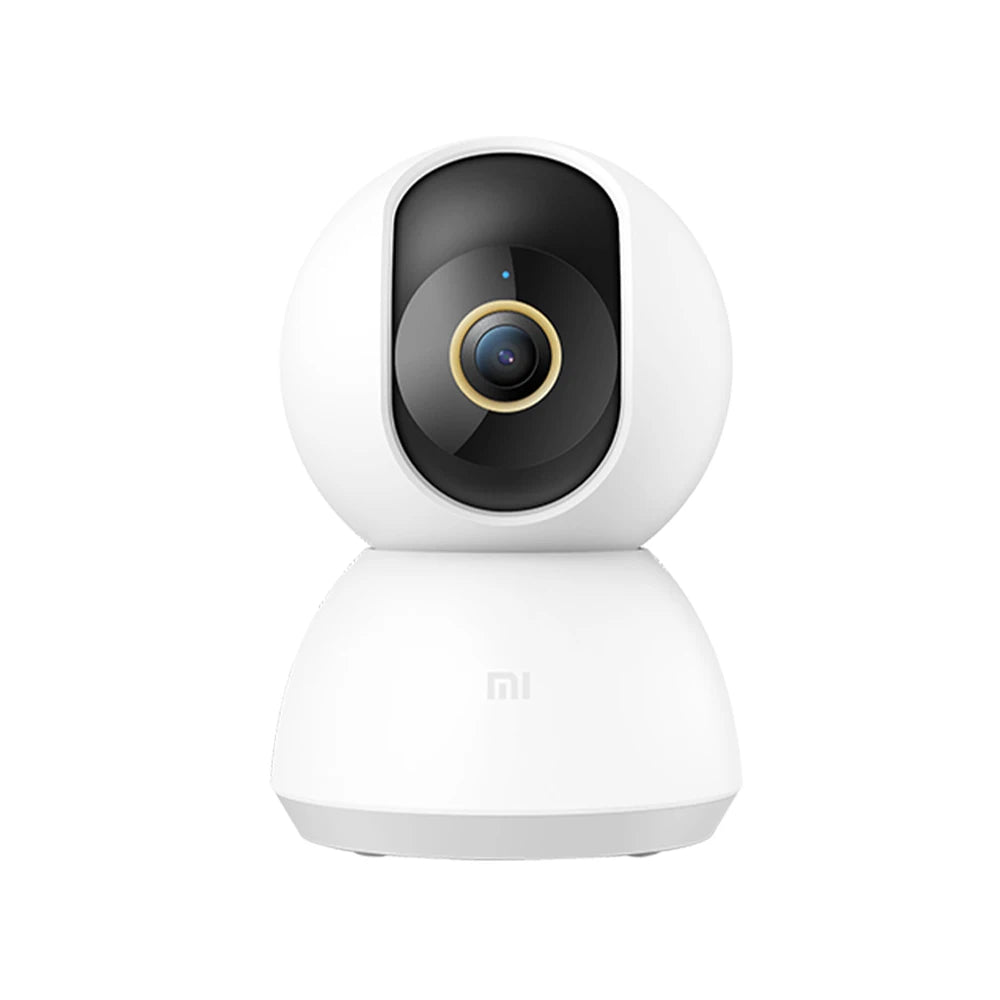
2K WiFi surveillance camera with 360° view, night vision & AI detection for indoor use
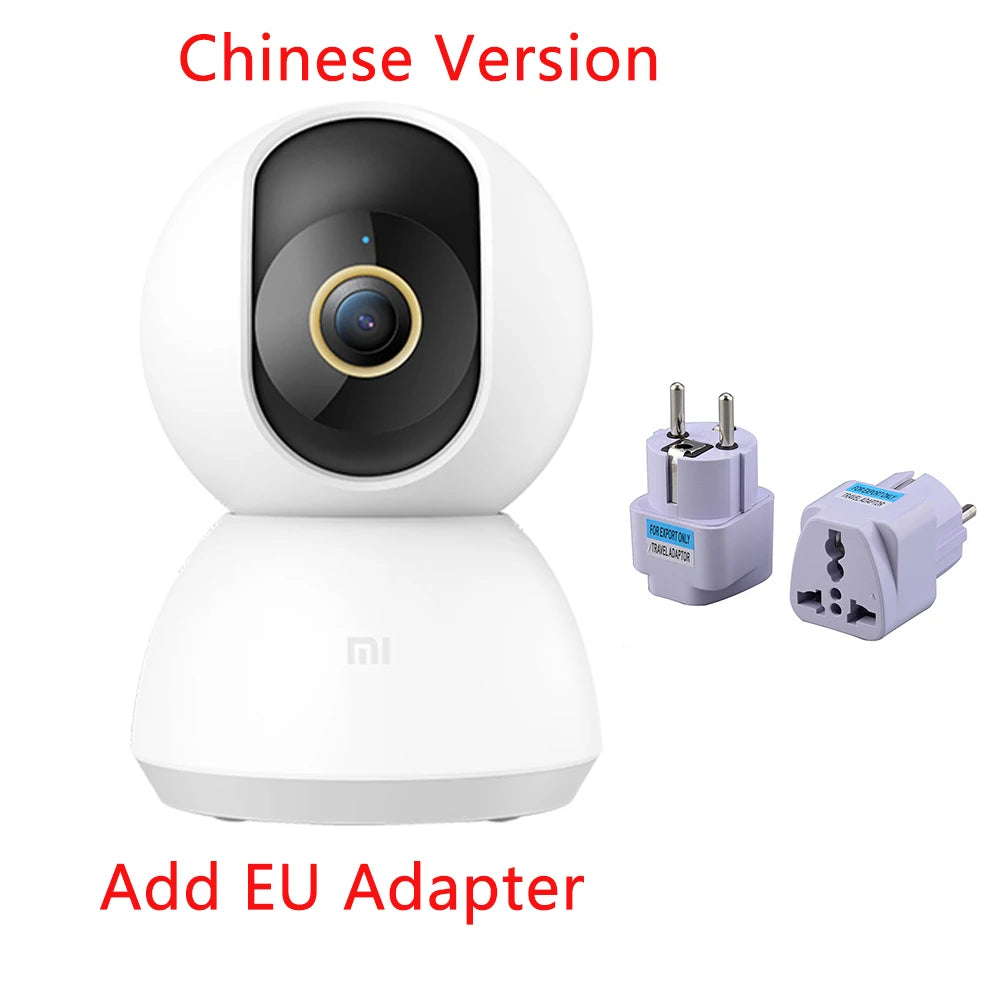
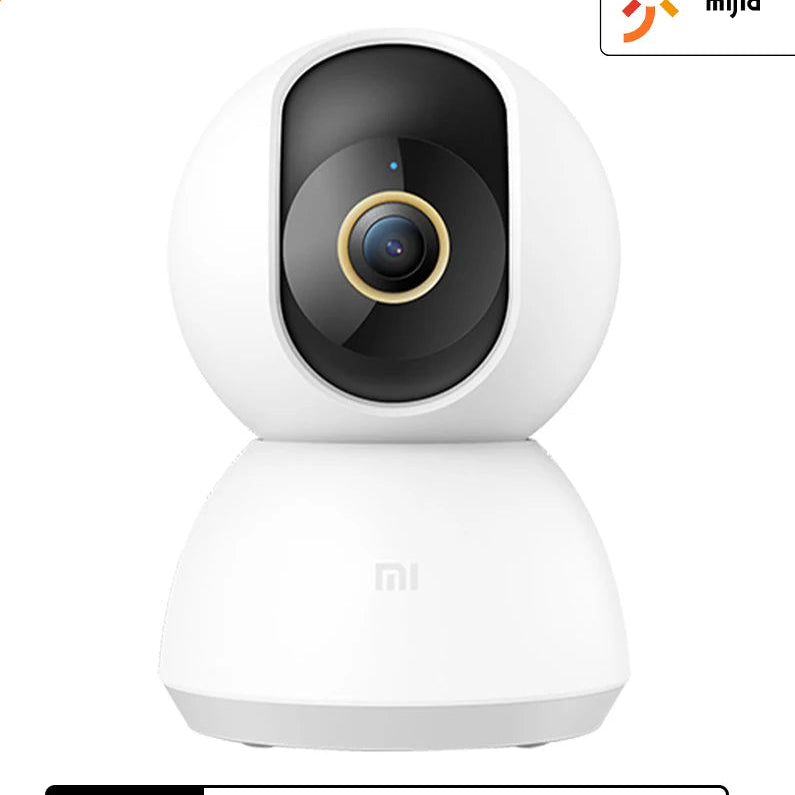
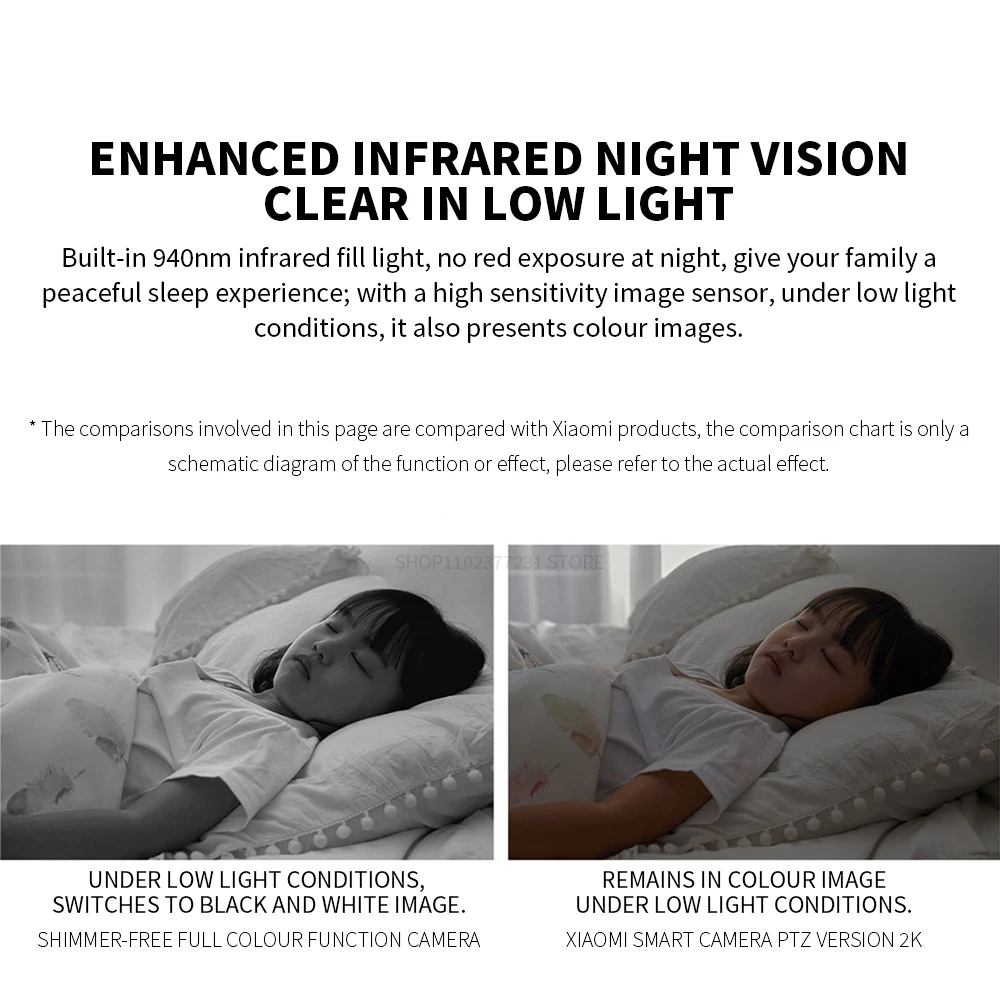
The smart 360° dome camera with 2K resolution offers a powerful solution for monitoring your indoor spaces. Equipped with a highly sensitive image sensor, a bright F1.4 aperture, and an advanced 6P lens, it enables detailed recordings even in low light. Thanks to its 4x digital zoom and 360° pan and tilt functionality, the camera reliably covers every angle – without any blind spots.

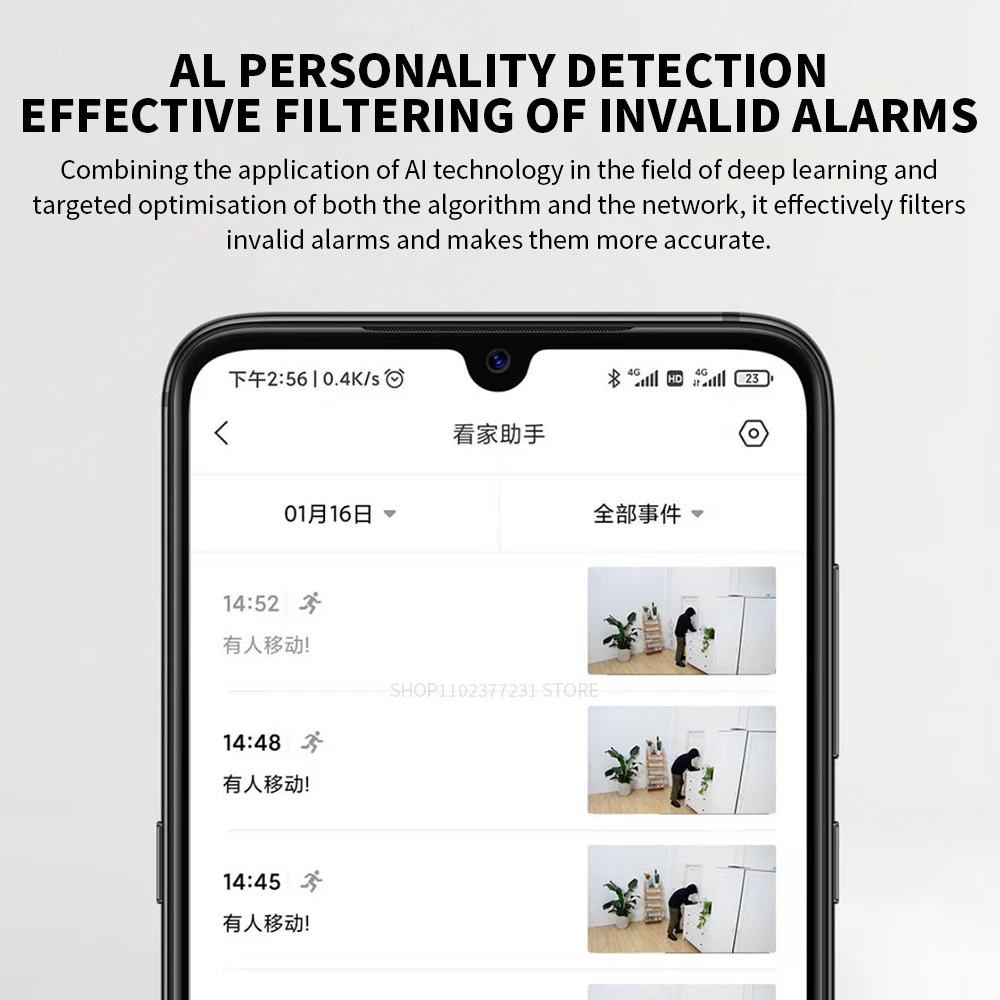

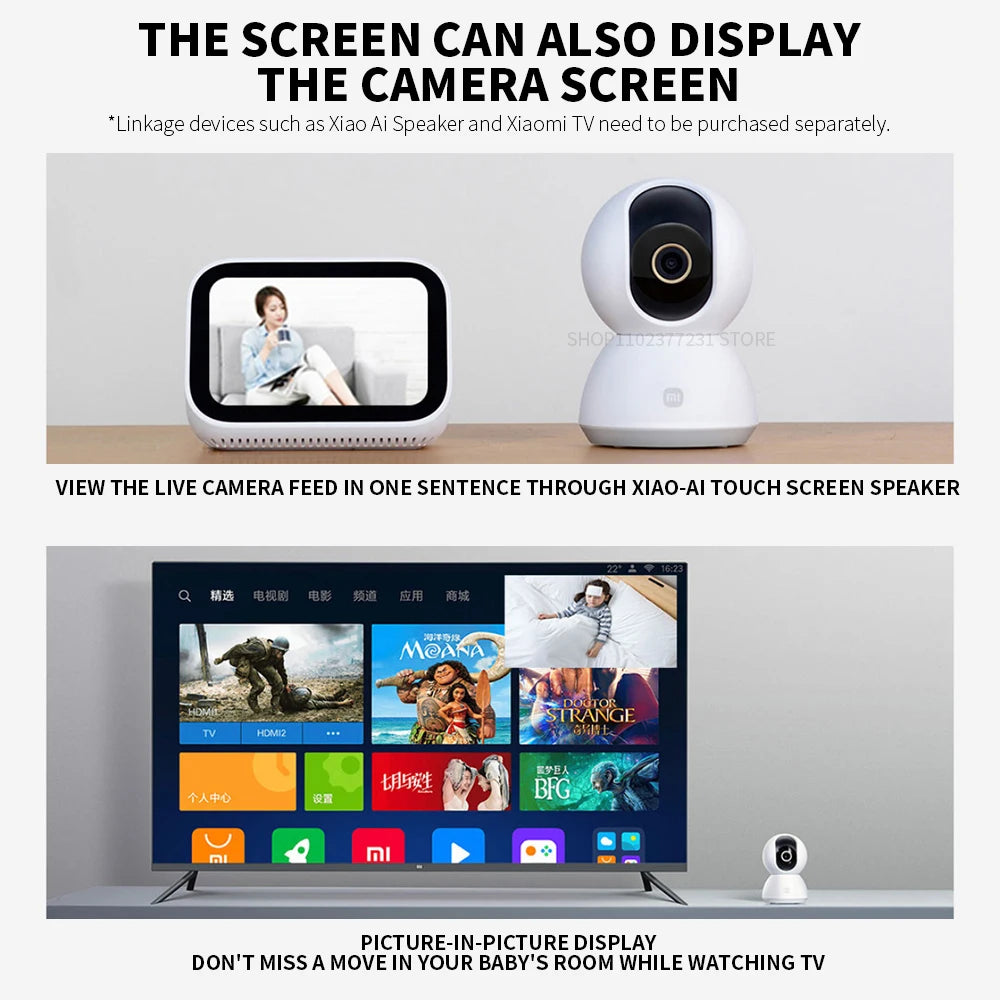
The integrated AI-powered human detection reduces false alarms through intelligent filtering, ensuring you only receive relevant notifications directly on your smartphone. The camera also supports real-time two-way audio, allowing you to communicate with people on-site at any time.
Integration with the Mi Home app makes control convenient and intuitive. The camera is compatible with Android and iOS devices; however, the region within the app must be changed to "Mainland China" to establish a connection. The user is then guided step-by-step directly within the app.
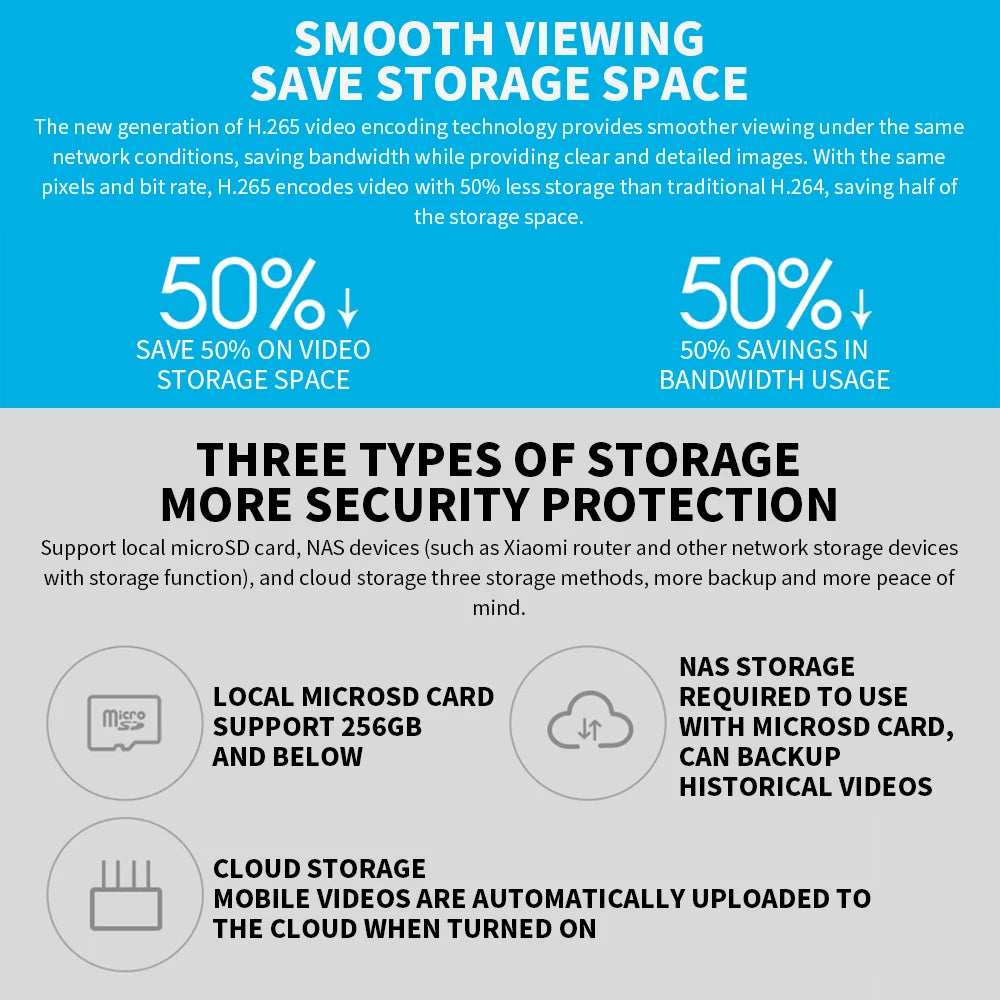
Three options are available for storing recordings: local microSD card (not included), NAS or cloud storage.
Technical data:
-
Resolution: 3 MP (2K Ultra-HD)
-
Lens: 2 mm single lens
-
Aperture: F1.4 for clear images at night
-
Viewing angle: 360° swivel
-
Zoom: 4x digital
-
Night vision: 940nm infrared without red glow
-
App compatibility: Android, iOS (Mi Home App – set region to “Mainland China”)
-
Two-way audio: Yes, in real time
-
Storage options: microSD (up to 256 GB), NAS, Cloud
-
Power supply: Standard mains connection
-
Location: Indoor
-
IP protection class: IP66 (limited waterproof rating – recommended for indoor use)
-
Video compression: H.265 for smooth playback at low bandwidth.
-
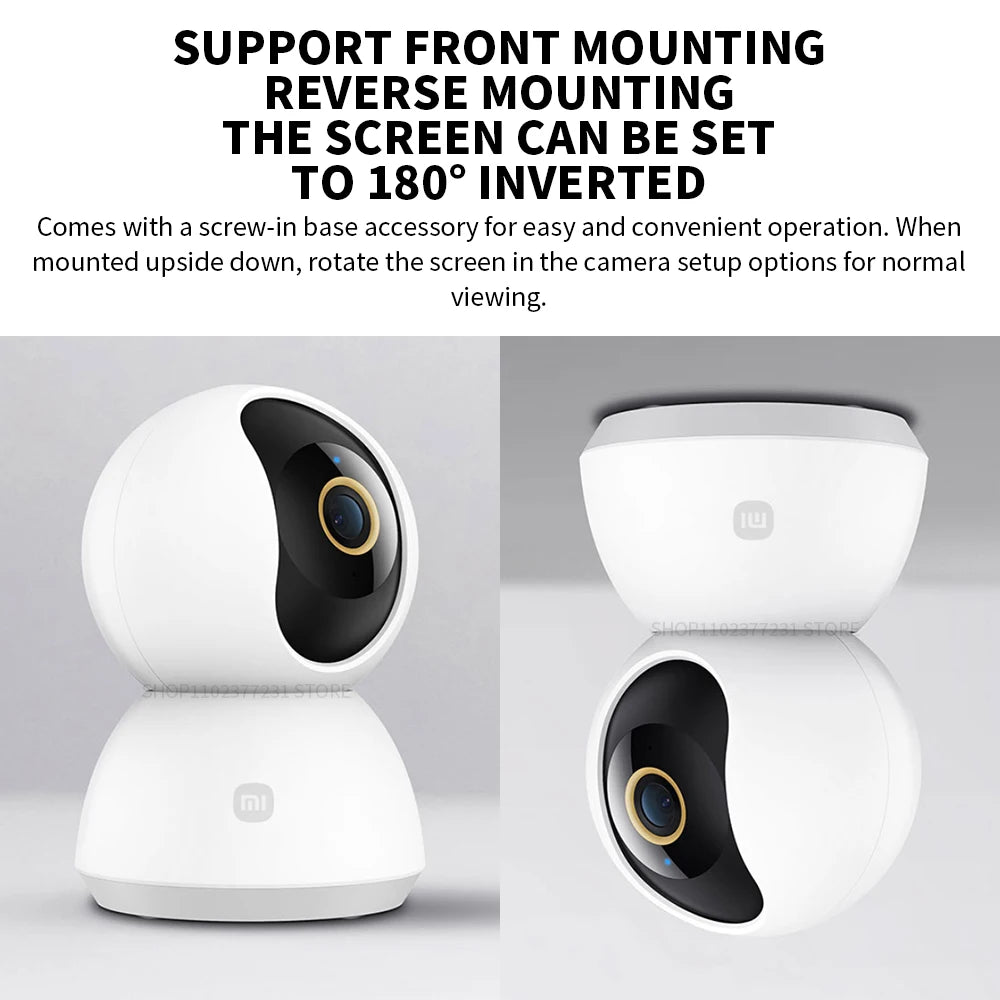
Supported mounting options: Standard or ceiling mount with 180° image rotation
Delivery note: The camera is preset to Chinese. The app must be switched to "Region: Mainland China" to complete the setup correctly.
User instructions for setup via the Mi Home app:
-
Download the Mi Home app
-
“Profile” > “Additional Settings” > “Language & Region” set to “Mainland China”
-
Connect the camera to power – a yellow light indicates readiness.
-
Tap the "+" icon in the app, scan your device, and follow the prompts to connect.
-
Enter your Wi-Fi credentials until the connection is successfully established (blue light signal).
#SurveillanceCamera #SmartHomeCamera #WiFiCamera #IndoorCamera #NightVisionCamera #DigitalSurveillance #HomeSurveillance #SecurityCamera #CameraWithApp #TwoWayAudio #Basel #Zurich #Bern #Lucerne #Geneva #Lausanne #StGallen #Winterthur #Lugano #Schaffhausen